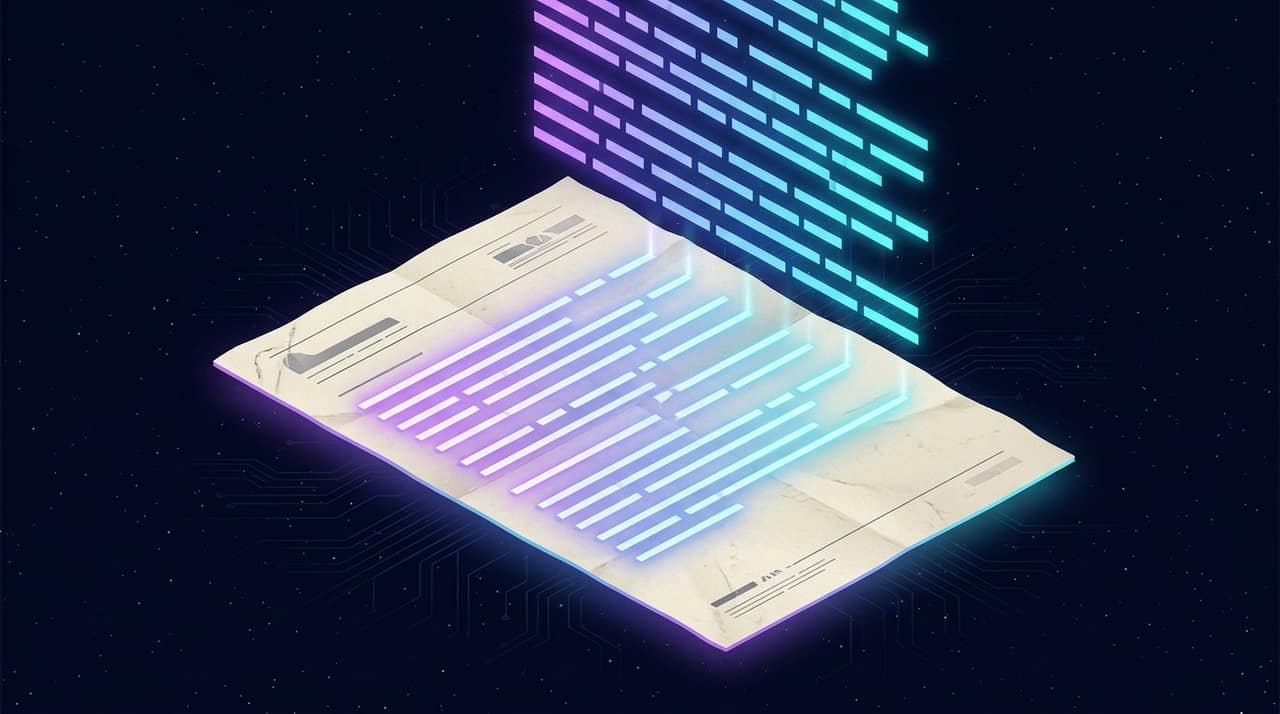
Image to Text: How OCR Reads Your Photo, and How to Feed It Well
OCR accuracy is decided by the capture, not the engine. What the recognition pipeline actually does, why language selection changes the answer, and where the handwriting wall is.
Optical character recognition is one of those technologies that feels like magic when it works and like a broken toy when it does not. The difference is rarely the engine — it is almost always the input. This guide explains what OCR is actually doing to your image, and the handful of habits that move accuracy from 'mostly right' to 'trustworthy'.
What the engine is doing, in plain terms
- 1It finds the text regions and works out the reading order — columns, paragraphs and lines.
- 2It normalises each line: straightening, rescaling and boosting contrast so glyphs look like the ones it was trained on.
- 3It recognises characters in context, using a language model of the chosen language to prefer real words over plausible-looking nonsense.
Step three is why language selection matters so much. The same blur of pixels is read as different characters depending on which language's word patterns the engine is allowed to use. Telling it 'English + Urdu' for a mixed document is not a formality; it changes the answers.
The inputs that make or break accuracy
- Sharpness beats resolution. A crisp 1200-pixel scan outperforms a soft 4000-pixel photo every time.
- Shoot straight-on. Perspective skew turns rectangles into trapezoids and confuses line detection; a slight angle costs more than people expect.
- Light evenly. A shadow across half a page creates two different exposures in one image, and the darker half reads worse.
- Fill the frame. Text occupying a small fraction of the image gives the engine fewer pixels per glyph to work with.
- Avoid glare. A glossy page photographed under a ceiling light produces blown-out patches where characters simply are not present in the pixels.
Handwriting, and where the wall is
Printed text is a solved-enough problem; handwriting is not. Cursive connects glyphs, personal letterforms diverge from training data, and pens vary. Every OCR engine — including the ones behind paid services — still misses handwriting at a rate that makes proofreading mandatory. Treat handwritten input as 'a draft to correct', never as 'a transcription to trust'.
Scripts beyond Latin
Urdu's Nastaliq style is genuinely harder than Naskh: characters stack and slant in ways that defeat line-segmentation assumptions built for horizontal scripts. Printed Nastaliq from books and newspapers reads respectably with the right language selected; handwritten Urdu remains at the hard edge of the field for everyone.
Arabic, Hindi and other connected or complex scripts sit between those extremes: reliable in print, difficult in handwriting. Selecting the correct script is the single highest-leverage setting for them.
Why local OCR matters for documents
The documents people OCR are disproportionately confidential: bank statements, medical reports, contracts, identity papers. An upload-based OCR service receives all of it. Running the engine in your browser — a WebAssembly build of a real OCR engine, model files downloaded once and cached — means the document is read on your device and never transmitted. For this category of file that is not a feature, it is the requirement.
A workflow that stays honest
- 1Capture well using the checklist above.
- 2Select the language that matches the document, including mixed languages where offered.
- 3Read the output against the source at least once for names, numbers and dates — the three things OCR gets wrong most consequentially.
- 4Keep the image until you have verified the text; re-running with a better capture is cheap.
Read text from photos, scans and screenshots with an on-device engine — eight language options including Urdu, and an editable result you can copy or save.
Open the Image to Text (OCR) tool →Scanning many pages: habits that scale
- 1Capture every page the same way — same distance, same light — so accuracy does not vary page to page.
- 2Name or order the images as you shoot; OCR returns text per image and will not reconstruct your chapter order for you.
- 3Process the worst page first. If the weakest capture reads acceptably, the rest will; if it does not, fix the capture before doing fifty of them.
- 4Keep the images until the extracted text is verified and saved somewhere durable; re-running is cheap, re-shooting is not.
For long documents the honest expectation is a strong first draft, not a finished transcript. Budget one proofread pass per document and concentrate it on names, figures and dates — the tokens where an OCR substitution is invisible and consequential.
Questions people ask
How accurate is OCR on a good scan?
On sharp, straight, evenly lit printed text, character accuracy is typically in the high nineties — good enough that errors are the exception you spot on proofreading rather than the norm you correct line by line.
Does OCR work offline in the browser?
After the first load, effectively yes: the engine and language data are cached by the browser, so repeat use does not need to re-download them. The first run does fetch the model files.
Why did it produce garbage from my photo?
Usually glare, angle or low text resolution. Retake filling the frame, straight-on, with diffuse light — and check that the language setting matches the document.
Can OCR keep my document's layout?
Browser OCR returns reading-order text, not a replica of columns and tables. For layout-faithful extraction you need a document-format pipeline; for copyable content, plain text is what you want.
Written by the Tools Stars team
We build and maintain every tool on this site, and we test them on real files before we write about them — the numbers in our guides come from those tests, not from other people's articles. If a number here changes, we re-measure and update the page. More about how we work.